Published:2026-08-21
Keywords:Nano Banana Pro, Nano Banana, Nano Banana official website, product packaging, packaging mockup, nanobanana prompts
New consumer, beauty, and F&B brands often get stuck when “packaging shots do not sell”: booking a photographer for white-background heroes is expensive, and every label/box revision needs a reshoot; DIY 3D mockups are slow and rarely match detail-page style. Listing heroes, detail scenes, and unboxing posts end up mismatched — users do not feel “this pack looks premium” at first glance.
Among the capabilities on the Nano Banana official website, Nano Banana is ideal for quickly testing materials, light, and angles, while Nano Banana Pro is better at locking pack structure, label zones, and series palettes, so heroes, scenes, and family sets feel like “one packaging system.” I use this workflow for small and mid-size brands to ship “listing-ready” packaging mockups — from uploading a flat/artwork or product photo to exportable output, usually in 10–20 minutes.
This is a brand-new product packaging mockup deep-dive (different from past e-commerce lifestyle photos, wedding invitations, brand mascots, food menus, or poster infographic topics). Full prep checklist, four-step workflow, three prompt templates, structure-lock tips, three case breakdowns, and a pitfalls table.
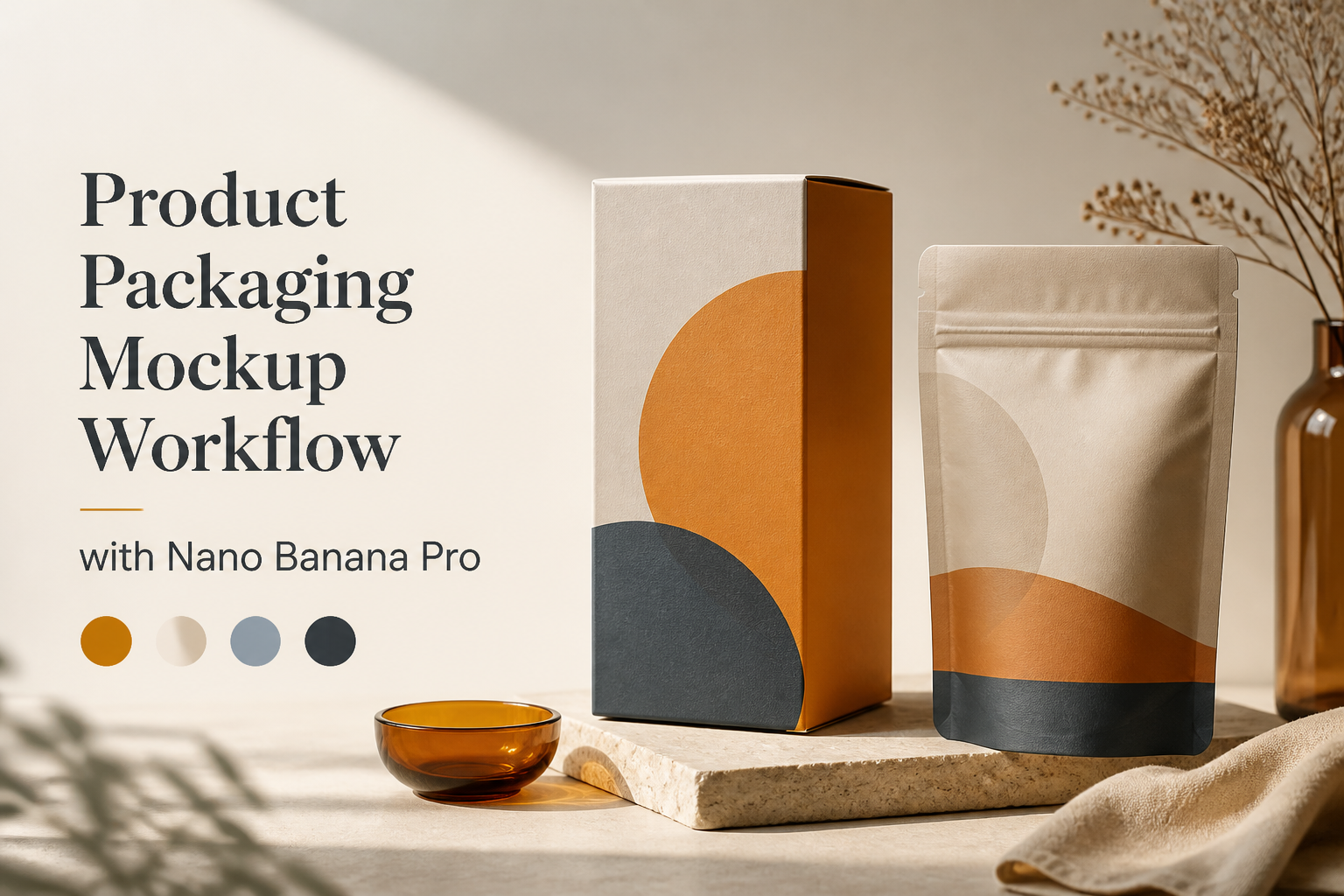
1. Why use Nano Banana / Nano Banana Pro for packaging mockups?
Nano Banana standard is ideal for “try 5 materials and angles first”; when you need undistorted pack forms, usable label space, and a coherent series, switch to Nano Banana Pro:
| Capability | Reshoot / basic gen | Nano Banana / Nano Banana Pro |
|---|---|---|
| Structure fidelity | Every revision needs a full reshoot | Natural language keeps box/bottle proportions |
| Label negative space | Face packed — hard to overlay type | Fixed front label safe zone |
| Series unity | Every SKU has different lighting | Fixed tabletop and color-temperature anchors |
| Multi-channel specs | Manual crop cuts corners | 1:1 hero / 3:4 detail / 16:9 banner |
| Revision speed | Wait for studio availability | “More matte, weaker specular” conversational iterate |
The core difference: in the workflow on the Nano Banana official website, a packaging image is not “a random product shot” — it is a reusable packaging visual asset.
2. Asset prep checklist (what decides whether it “looks like this pack”)
Before opening Nano Banana or Nano Banana Pro, prepare:
- Packaging reference (required): Product photo or flat artwork with clear box/bottle silhouette
- Structure notes (recommended): Box, pouch, bottle, jar — if keep window/emboss, write into preserve
- Style direction (required): Minimal white e-com, premium matte, window display, holiday limited — pick only one
- Use cases: E-commerce 1:1 hero, detail-page scene, series set, campaign banner
- Platform specs: Taobao/Pinduoduo often 1:1; detail often 3:4; banners 16:9
- Negative constraints: Do not swap to another pack form; no garbled brand text; no watermark; no fake certification badges
Tip: Learn the difference between Nano Banana and Nano Banana Pro on the Nano Banana official website, then upload packaging references in the web app. Larger subject and cleaner tabletops make listing thumbnails more “tap-worthy.”
3. Four-step workflow (flat/artwork → listing-ready hero)
Step 1: Enter Nano Banana Pro and lock packaging structure
- Open Nano Banana web app
- Use Nano Banana to explore materials; prioritize Nano Banana Pro for finals
- Upload the reference; write clearly:
preserve the exact packaging structure, proportions and dieline silhouette 100%
Step 2: Choose a packaging template
Three complete prompts below:
- Template A: E-commerce white/light-tabletop hero (1:1)
- Template B: Detail-page lifestyle display (3:4, lifestyle without stealing focus)
- Template C: Series packaging family banner (16:9, multi-SKU unity)
Step 3: Five checks before publishing
- Can customers recognize the pack at a glance (no “pack swap”)?
- Are corners, caps, and pouch mouths intact and undistorted?
- Is there enough front label/Logo overlay space (if you composite later)?
- Are tabletop and color temperature unified across SKUs?
- Any watermark, garbled text, fake badges, or malformed speculars?
Step 4: Natural-language iteration + export by channel
Common instructions:
- “Keep the pack form; switch material to matte paper; weaken speculars”
- “Swap tabletop to light wood; remove clutter”
- “Enlarge front-center negative space for brand name overlay”
- “Export 1:1, 4K, Nano Banana Pro”
4. Prompt Template A: E-commerce packaging hero
Replace 【】 placeholders with your content, then paste the full block into Nano Banana Pro:
E-commerce packaging hero mockup, square 1:1.

Pack lock: preserve the EXACT packaging from the uploaded reference — box/bottle/pouch proportions, flap/cap structure and dieline silhouette 100%. Do not swap to a different pack form.

Styling: clean commercial packaging photography on 【纯白无缝 / 浅灰台面 / 浅木桌】; soft shadow; pack centered; leave a quiet front label zone for future brand typography (no baked-in garbled text).

Materials: 【哑光纸盒 / 软管金属盖 / 磨砂袋】 realistic, not plastic toy look.

Style: Listing-ready packaging mockup, Nano Banana Pro structure fidelity, photoreal.

Negative constraints: no breed of wrong pack shape, no watermark, no fake certification badges, no melted corners, no unreadable baked-in logos unless requested empty.

Output: 1:1, 4K, Nano Banana Pro packaging hero.
Usage
- Upload a product or flat reference
- Fill tabletop and materials
- Shrink to listing thumbnail size for QA
- Iterate: “weaker specular” / “larger label safe space”
5. Prompt Template B: Detail-page lifestyle display
Packaging detail-page lifestyle scene, portrait 3:4.

Identity: keep the same packaging structure as reference 100% (Nano Banana Pro recommended for edges and materials).

Composition: pack as hero, slightly off-center; mood 【浴室台面 / 厨房晨光 / 梳妆台】 with minimal props that do not hide the label zone.

Look: trustworthy commercial lifestyle — optimized for 【详情页 / 小红书开箱】 without looking like a random home snapshot.

Lighting: soft window light; controlled specular on 【玻璃/金属】 only.

Negative constraints: no clutter burying the pack, no watermark, no baked-in price stickers, no pack-shape drift.

Output: 3:4, high resolution, Nano Banana or Nano Banana Pro scene.
For detail scenes, “pack readable enough, environment not stealing focus” matters more than “complex storytelling props”; users must recognize the pack before being sold.
6. Prompt Template C: Series packaging family banner
Packaging family campaign banner, 16:9.

Hero packs: preserve each SKU structure from references 100%; arrange 2–4 packs in a clean row or gentle arc; shared palette 【品牌主色+辅色】 and same tabletop language.

Typography space: leave clean negative space on one side for future campaign title; no baked-in text.

Style: Series-ready packaging visual, Nano Banana Pro consistency across SKUs, soft studio light.

Negative constraints: no random pack morphing, no watermark, no palette drift between SKUs, no overcrowded props.

Output: 16:9, 4K, Nano Banana Pro.
Landscape banners and heroes share the same pack-identity library — campaign pages and store pages will feel like “one product line.”
7. Structure lock & series tips (packaging-specific)
In Nano Banana / Nano Banana Pro prompts, lock these rules:
- Open with structure lock:
preserve exact packaging structure 100% - Change one class per round: Do not heavily alter material + tabletop + lighting together
- Ban garbled trademarks: Write
no baked-in garbled brand text(overlay real logos later) - Series anchors: Fix one tabletop and color temperature across the line
- Thumbnail first: On 1:1, let the pack occupy 55%+ of the frame
- Reject toy look: Write
realistic materials, no plastic toy packaging look
Append these as “Pack rules: …” at the end of your prompt — packaging series stay much more stable.
8. Three real case breakdowns
Case 1: New beauty carton — flat to listing hero
- Goal: Only dieline art; no studio slot
- Flow: Template A + matte paper + preserve structure
- Result: Nano Banana Pro delivered a listing-ready 1:1 hero in one pass
Case 2: Detail scene buried the front label
- Goal: Too many props; front unreadable
- Flow: Template B — fewer props; strengthen label zone
- Result: Still lifestyle; pack recognition clear
Case 3: Three SKUs did not feel like one line
- Goal: Light and color temperature drifted per jar
- Flow: Template C — fixed tabletop and palette; swap only SKU references
- Result: Series recognition unified; sizes still distinct
9. Common mistakes & how to avoid them
| Common mistake | Why it fails | How Nano Banana avoids it |
|---|---|---|
| Prompt only says “premium packaging shot” | Easily swaps to another pack form | Explicitly preserve packaging structure 100% |
| Bake brand name into the image | Garbled text; hard to localize | Leave space; overlay real Logo later |
| Speculars too strong | Looks like a plastic toy | Write matte / controlled specular |
| Different tabletop per SKU | Shop looks like a collage | Fix tabletop and lighting description |
| Melted corners | Looks fake; trust drops | Pro + preserve corners/edges |
| Finalize listing on standard | Structure and materials blur easily | Finalize on Nano Banana Pro |
10. Nano Banana vs Nano Banana Pro — which to pick
| Scenario | Recommended | Why |
|---|---|---|
| Try 5 materials / angles | Nano Banana | Fast exploration |
| E-commerce 1:1 hero final | Nano Banana Pro | Structure and edges more stable |
| Detail-page lifestyle scene | Nano Banana Pro | Material realism matters more |
| Series family banner | Nano Banana Pro | Multi-SKU consistency better |
| Daily draft brainstorm | Nano Banana | Direction first, then Pro polish |
11. Quick start in three steps
- Open Nano Banana official website to learn the product, enter the web app, and upload a clear packaging reference
- Copy Template A or B, fill materials and tabletop, stress
preserve exact packaging structure 100% - Iterate with short instructions, then export 1:1 / 3:4 / 16:9 hero, scene, and series sets
12. Closing thought
The essence of packaging visuals is not “Photoshop into another product” — it is making users trust the structure on the hero and recognize the same line on detail and series pages. Explore materials and light with Nano Banana, lock pack form and palette and export by channel with Nano Banana Pro, and on the Nano Banana official website in one workflow you can turn flats into listing-ready packaging assets.