發布日期:2026-07-07
關鍵詞:Nano Banana Pro、電商產品圖、生活方式攝影、nanobanana prompts、產品場景合成
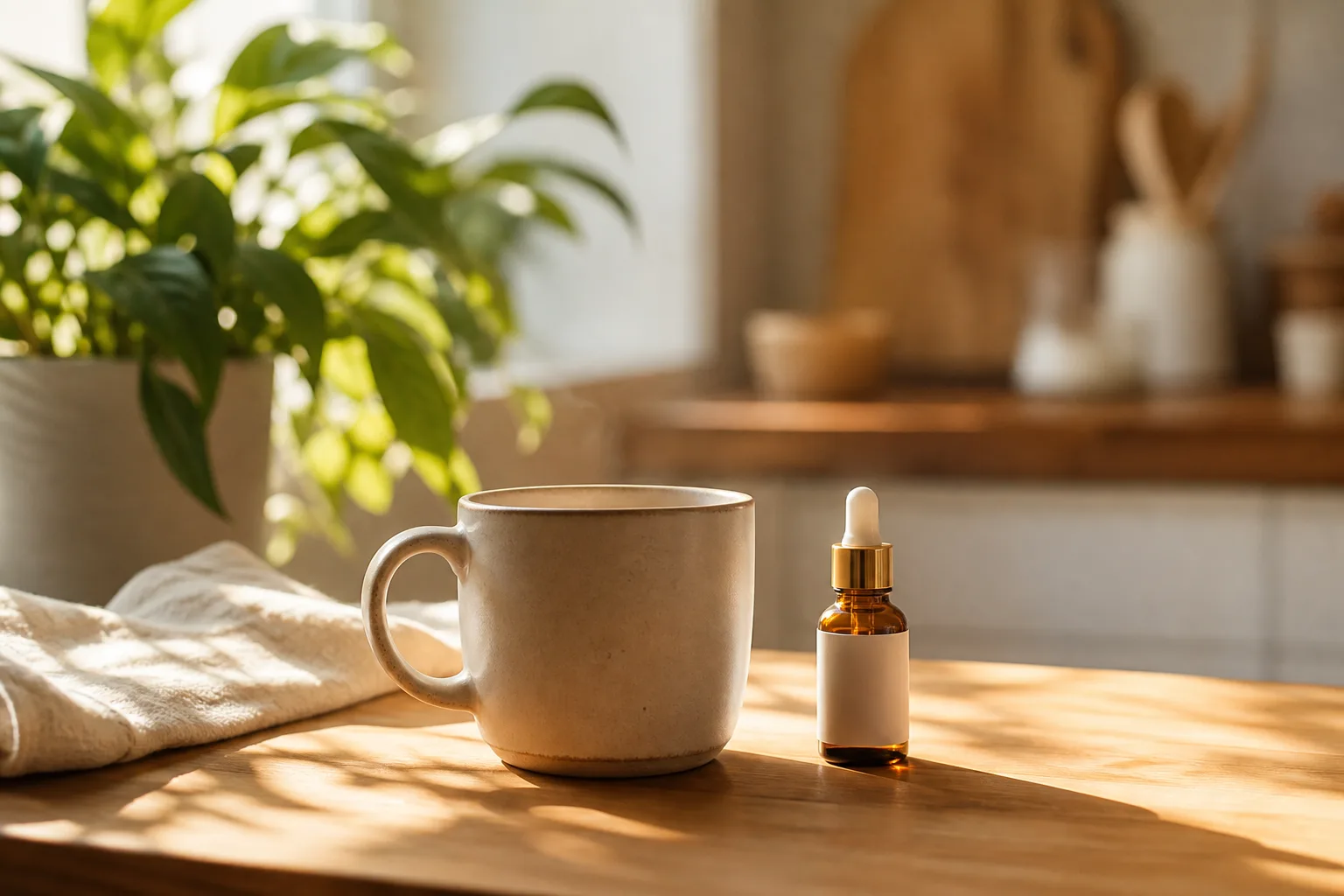
做跨境電商或獨立站的朋友都知道:白底主圖能過平台審核,但很難讓用戶產生「想要擁有」的衝動。真正能提高點擊率和轉化率的,往往是把產品放進廚房、書桌、戶外營地、咖啡廳等真實生活場景裡的生活方式大片。
傳統做法是用 Photoshop 去背 + 合成背景,一套圖動輒 2~3 小時,光影還不一定對得上。自從我用 Nano Banana Pro(基於 Google Gemini 3 Pro Image)跑通了「產品場景化」工作流之後,單張生活方式圖的平均製作時間降到了 15 分鐘以內,而且標籤、包裝、比例都能穩定保留。
今天這篇是全新的電商產品圖專題(和往期人像、角色三視圖、膠片氛圍等主題不同),我會把完整流程、三套可直接複製的提示詞模板、光影匹配技巧、三個案例拆解和常見避坑一次性公開。
一、為什麼用 Nano Banana Pro 做產品場景化?
Nano Banana 標準版適合快速出圖,但涉及「產品 100% 保真 + 複雜場景光影匹配」時,我更推薦 Nano Banana Pro,原因很實際:
| 能力維度 | 傳統 PS 去背合成 | Nano Banana Pro |
|---|---|---|
| 產品比例與標籤保真 | 依賴手工修圖,易變形 | 上傳參考圖後強調「100% preserve」,標籤可讀性高 |
| 光影一致性 | 需手動調陰影方向與色溫 | 理解光源邏輯,自動生成接觸陰影與環境反射 |
| 批量出圖 | 每張場景單獨合成 | 同一產品換場景描述即可批量迭代 |
| 學習成本 | 需掌握去背、蒙版、曲線 | 自然語言描述場景即可 |
| 出圖速度 | 2~3 小時/張 | 15 分鐘內預覽 + 4K 定稿 |
Nano Banana Pro 的核心優勢是先推理、後渲染:它會理解「產品放在大理石台面上,左側窗光,應產生柔和接觸陰影」這類物理邏輯,而不是隨機貼一張背景。
二、素材準備清單(決定成敗的前置步驟)
在打開 Nano Banana 或 Nano Banana Pro 之前,請先準備好以下素材:
- 產品圖(圖 1,必填):白底或純色底均可,建議 2000px 以上,產品占畫面 60%~80%,標籤清晰可見
- 可選風格參考(圖 2):一張你喜歡的場景氛圍圖(如宜家廚房、無印風書桌),用於鎖定色調
- 品類資訊:寫明產品類型(護膚品 / 水杯 / 零食 / 3C 配件),模型會匹配合理道具
- 輸出規格:提前確定 1:1(主圖)、4:5(社媒)、16:9(Banner)
- 負向約束:是否需要「無手、無模特、無文字、無水印」
提示: 白底圖不必去背成透明 PNG。Nano Banana Pro 能根據描述自動分離產品並融入場景,但背景越乾淨,邊緣越利落。
三、四步工作流(從上傳到出片)
Step 1:進入 Nano Banana Pro
- 打開 Nano Banana 網頁應用
- 選擇 Nano Banana Pro 模型(或 Gemini 3 Pro Image)
- 上傳產品圖作為 圖 1
Step 2:選擇場景模板
- 模板 A:廚房 / 家居台面 — 適合廚具、食品、小家電
- 模板 B:戶外生活方式 — 適合運動水杯、防曬、戶外裝備
- 模板 C:極簡棚拍 — 適合 3C、護膚、高端品牌主圖
Step 3:生成預覽並檢查
重點檢查四項:
- 產品標籤是否可讀、無變形
- 接觸陰影方向是否與光源一致
- 產品比例是否與環境匹配(不能「巨物化」或「迷你化」)
- 背景道具是否喧賓奪主
Step 4:迭代與 4K 輸出
不滿意時用自然語言微調,例如:
- 「減弱背景虛化,讓馬克杯更清晰」
- 「陰影再柔和一些,色溫偏暖」
- 「產品向右移動 10%,保持標籤正面朝鏡頭」
滿意後要求 4K 輸出,直接用於 Amazon A+、Shopify 詳情頁或小紅書商品筆記。
四、提示詞模板 A:廚房台面生活方式(可直接複製)
適用: 食品、餐具、廚房小家電、調味瓶等
用法: 上傳產品圖 1,複製下方提示詞,將【产品品类】替換為你的實際品類。
Subject: Use uploaded Image 1 as the exact product — preserve packaging shape, label text, colors, and proportions 100%. Do not redesign or simplify the product. Category: 【产品品类】

Scene: Modern Scandinavian kitchen countertop, morning natural window light from the left, soft contact shadow under the product base, white marble surface with subtle gray veining, a ceramic mug and fresh eucalyptus branch slightly out of focus in the background.

Camera: 45-degree hero product shot, 85mm lens look, shallow depth of field, product razor sharp, background gentle bokeh.

Lighting: Soft diffused daylight, warm-neutral color temperature 5200K, realistic shadow falloff and subtle reflection on marble.

Style: Premium e-commerce lifestyle photography, Amazon A+ content quality, clean composition, commercial ready.

Negative constraints: no floating product, no melted text on label, no watermark, no extra logos, no hands unless specified.

Output: 4K, 1:1 square crop, Nano Banana Pro photoreal integration.
使用說明
- 在 Nano Banana Pro 中上傳白底產品圖
- 將
【产品品类】改為具體品類,如「glass water bottle」或「organic snack bar」 - 首次生成 1K 預覽,確認標籤無誤後再輸出 4K
五、提示詞模板 B:戶外生活方式(可直接複製)
適用: 運動水杯、防曬霜、戶外裝備、便攜電源等
用法: 適合社媒 4:5 豎版構圖,強調「人在使用」的真實感。
Subject: Image 1 product placed naturally in real-world use — same SKU, same label legibility, preserve brand colors exactly. Optional human hands allowed but must not cover the logo or key label text.

Scene: Sunny urban park bench, late afternoon golden hour, dappled sunlight through tree leaves, casual lifestyle context appropriate for 【产品品类】.

Camera: Eye-level lifestyle angle, 35mm environmental framing, product placed on lower third rule-of-thirds, natural perspective.

Lighting: Warm backlit rim light on product edge, soft environmental fill, realistic ground contact shadow, no studio strobe look.

Style: Instagram-ready lifestyle ad, Nano Banana Pro photoreal scene integration, natural color grading, no HDR overload.

Negative constraints: no floating product, no wrong scale, no distorted label, no watermark, no fake lens flare.

Output: 4:5 portrait ratio for social commerce feeds, 4K resolution.
六、提示詞模板 C:極簡棚拍主圖(可直接複製)
適用: 護膚、3C 配件、珠寶、高端品牌官網 Banner
特點: 乾淨、高級、適合做主圖或廣告素材。
Subject: Strict preservation of Image 1 product geometry, materials, and branding — zero redesign.

Scene: Infinite soft beige seamless backdrop, premium studio still life, subtle vertical gradient, optional thin acrylic pedestal with soft reflection.

Camera: Straight-on or slight 15-degree tilt, 100mm macro-product look, edge-to-edge sharpness on label and texture details.

Lighting: Three-point softbox setup — key light front-left, fill right, subtle hair light on top edge to separate product from background.

Style: Apple-style product hero shot, ultra-clean, Nano Banana Pro commercial grade, minimal props.

Negative constraints: no clutter, no text overlays, no watermark, no color shift on product body.

Output: 16:9 for website banner or 1:1 for marketplace main image, 4K.
七、光影與透視匹配技巧(Nano Banana Pro 進階)
很多「一眼假」的產品圖,問題不在產品本身,而在光影邏輯。以下是我在 Nano Banana Pro 裡反覆驗證有效的五條規則:
- 光源方向要寫明:寫「左側窗光」就不要在提示詞裡再加「右側強閃光燈」,模型會混亂
- 接觸陰影必須出現:加一句
soft contact shadow under product base,能立刻提升真實感 - 焦段影響透視:85mm / 100mm 適合產品特寫,35mm 適合環境生活方式,不要混用
- 色溫統一:場景偏暖(golden hour)時,產品高光也應偏暖,否則像貼上去的
- 比例錨點:用「cup / book / hand」等熟悉物體作參照,防止產品尺度失真
八、三個真實案例拆解
案例 1:玻璃水杯 → 廚房台面生活方式圖
- 輸入:白底玻璃杯產品圖,標籤「500ml」
- 模板:模板 A
- 結果:大理石台面 + 窗光側影,標籤清晰,杯身折射自然
- 用途:亞馬遜副圖、品牌獨立站詳情頁第二屏
案例 2:防曬霜 → 公園長椅戶外場景
- 輸入:白底軟管包裝
- 模板:模板 B
- 結果:金色夕陽光斑,產品置於長椅,無漂浮感
- 用途:小紅書種草筆記、Instagram 廣告素材
案例 3:藍牙耳機充電盒 → 極簡棚拍主圖
- 輸入:白底 3C 產品圖
- 模板:模板 C
- 結果:米色無縫背景 + 頂部輪廓光,質感接近 Apple 官網風格
- 用途:官網 Banner、黑五促銷主視覺
九、常見錯誤與避坑指南
| 錯誤現象 | 原因 | 解決辦法 |
|---|---|---|
| 標籤文字糊掉 | 提示詞未強調 label legibility | 加入 preserve label text 100% readable |
| 產品像漂浮在空中 | 缺少接觸陰影描述 | 加入 soft contact shadow under base |
| 產品與場景比例失調 | 未給比例錨點 | 加入 familiar object 或 specify size |
| 背景太搶戲 | 場景描述過於複雜 | 簡化道具,強調 product is hero |
| 色溫不統一 | 冷暖光源混寫 | 統一為 window light 或 golden hour |
十、Nano Banana 標準版 vs Nano Banana Pro:怎麼選?
- Nano Banana(標準版): 適合快速試創意、社媒小圖、對標籤精度要求不高的場景
- Nano Banana Pro: 適合電商主圖、品牌官網、需要 4K 與標籤可讀性的商業出圖
我的實踐是:創意探索用 Nano Banana,定稿交付用 Nano Banana Pro。
十一、快速上手三步法
- 上傳白底產品圖 → 打開 Nano Banana Pro
- 複製對應模板 → 替換品類占位符 → 生成 1K 預覽
- 微調光影與構圖 → 確認標籤無誤 → 輸出 4K 商用成品
十二、最後說一句
電商產品圖的核心不是「背景有多炫」,而是產品可信、場景合理、光影統一。Nano Banana Pro 把傳統合成裡最耗時的「去背 + 光影匹配」壓縮進了自然語言工作流裡——你只需要像給攝影團隊寫 brief 一樣寫清楚場景,它就能幫你執行。
如果你還在用白底圖打天下,不妨今天就用模板 A 試一張。15 分鐘後,你可能會重新理解「生活方式大片」的生產成本。