प्रकाशित:2026-07-21
कीवर्ड:Nano Banana Pro, इन्फोग्राफिक, पोस्टर लेआउट, nanobanana prompts, टेक्स्ट रेंडरिंग, Nano Banana आधिकारिक वेबसाइट
इवेंट पोस्टर, knowledge cards या data infographics बनाते समय दो समस्याएँ सबसे ज़्यादा: टाइटल garbled glyphs में बदलना और अस्पष्ट information hierarchy। कई लोग Photoshop में art बनाकर text overlay करते हैं — लंबा pipeline, कई versions, brand colors drift होते हैं।
“पहले text structure तय करो, फिर model render करे” workflow लॉक करने के बाद Nano Banana Pro (Google Gemini 3 Pro Image) ने पोस्टर और infographics में CN/EN title readability स्पष्ट रूप से बढ़ाई, और Nano Banana standard के साथ अच्छी जोड़ी: standard पर composition explore, Pro पर 4K finalize। Nano Banana आधिकारिक वेबसाइट पर product capabilities जानें, फिर web app में generate करें।
यह नया infographic & poster text layout deep-dive है (e-commerce shots, social batch, portrait fashion या character turnaround से अलग)। पूरी prep checklist, four-step workflow, तीन copy-ready prompts, layout tips, तीन cases और pitfalls table।
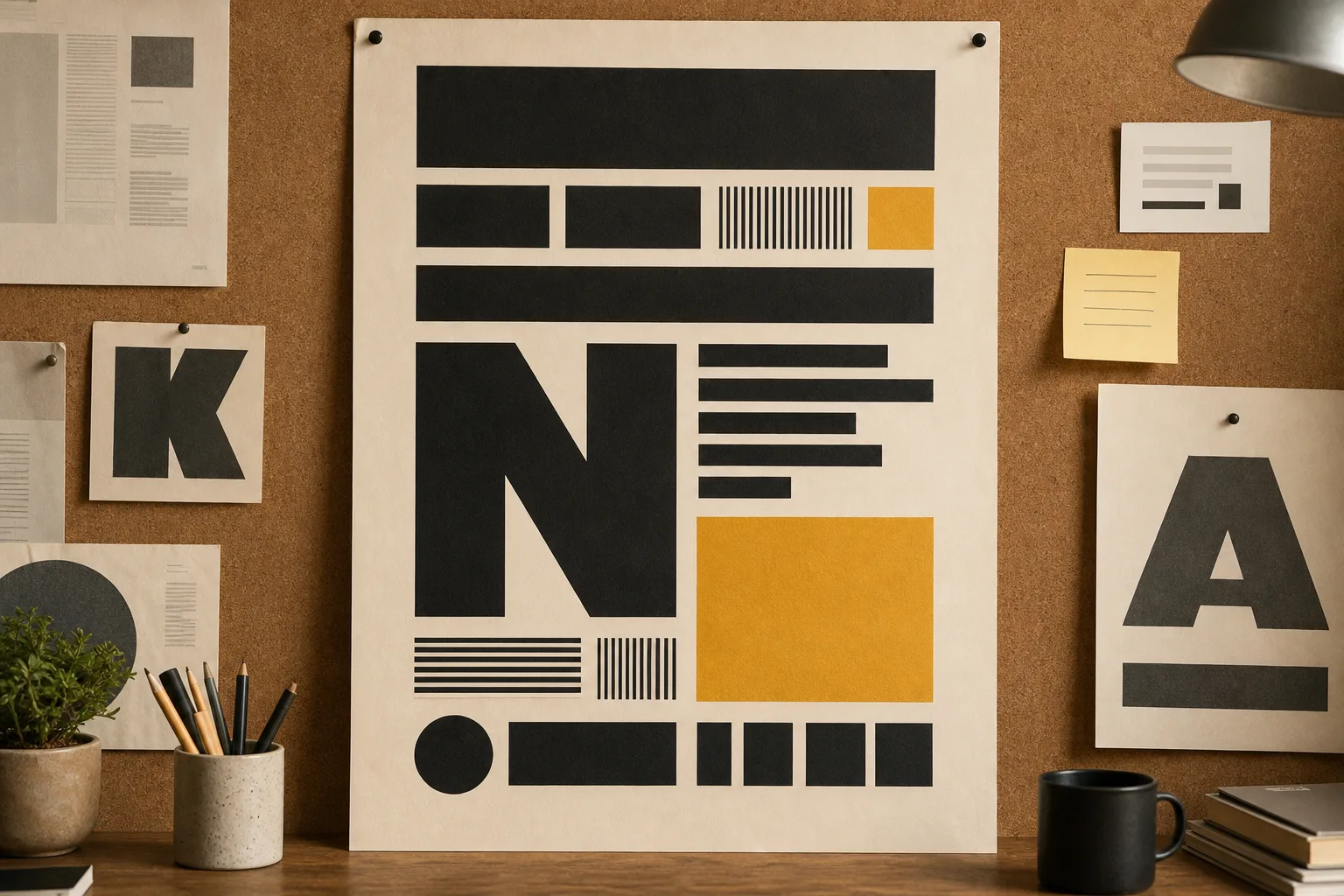
1. पोस्टर और infographics के लिए Nano Banana Pro क्यों?
Nano Banana standard quick composition brainstorms के लिए बढ़िया; जब readable titles, sharp numbers, stable brand color चाहिए, Nano Banana Pro बेहतर:
| क्षमता | पारंपरिक «पहले draw, बाद में typeset» | Nano Banana Pro text-in-image |
|---|---|---|
| CN/EN title readability | बाद में fonts पर निर्भर | Pro text rendering accuracy high — cover titles के लिए ideal |
| Information hierarchy | Manual layer alignment | Prompt में H1 / H2 / data-block positions specify करें |
| Brand color consistency | हर revision पर eyedropper | हर prompt में HEX palette लिखें |
| Revision speed | Retype = full re-layout | Natural language: «title ≤8 characters करो» |
| Output specs | हर size re-export | 1:1 / 4:5 / 16:9 एक बार describe |
संक्षेप: Nano Banana Pro layout briefs समझने वाला design assistant जैसा — titles, subtitles, data points, safe zones spell out; structure render, randomly «paint» नहीं।
2. Pre-generation checklist (clean text क्या तय करता है)
Nano Banana या Nano Banana Pro खोलने से पहले तैयार करें:
- Final copy (required): Main title ≤12 characters, subtitle ≤20, अधिकतम 3–5 data points (ज़्यादा words → blur risk)
- Brand palette (required): Primary, secondary, background — एक HEX each
- Style anchor (Image 1, optional): एक trusted finished poster/infographic mood lock के लिए
- Icon/illustration style: Flat / semi-real / minimal line — prompt में लिखें
- Output specs: Event poster 3:4, knowledge card 1:1, banner 16:9
- Negative constraints: No garbled text, no extra microcopy, no watermark, no competitor logos
टिप: Nano Banana आधिकारिक वेबसाइट या app में generate से पहले copy को «main title / subtitle / bullet list» structure में रखें। Length control adjectives stack से ज़्यादा मायने रखता है।
3. Four-step workflow (copy से 4K poster)
Step 1: Nano Banana Pro में enter
- Nano Banana web app खोलें
- Nano Banana Pro model select करें
- Style anchor हो तो Image 1 upload करें
Step 2: Template type choose
- Template A: Event / course poster (strong title + hero visual)
- Template B: Knowledge card / tips graphic (clear bullet list)
- Template C: Data infographic (big numbers, clean chart area)
Step 3: Preview generate और «text QA»
ध्यान से check:
- Main title fully readable, no missing strokes या garbled glyphs
- Numbers और percentages correct, no misalignment
- Hierarchy clear (title > subtitle > body bullets)
- Safe margins all sides (platform crop avoid)
Step 4: Natural-language revisions + 4K export
Common tweaks:
- «Main title 10 characters करो, type size बड़ा»
- «Subtitle नीचे; data block three columns»
- «Background noise कम; primary #F59E0B»
संतुष्ट होने पर 4K output print preview, social posting या website banners के लिए।
4. Prompt Template A: Event / course poster (copy-ready)
Best for: Public workshops, product launches, offline event teasers
How to use:【活动主题】और【日期地点】real copy से replace करें।
Brand lock: Primary #F59E0B, secondary #6366F1, background clean #FAFAFA. Modern sans-serif title mood matching Nano Banana brand.

Subject: Event poster for 【活动主题】 — premium workshop promo for Nano Banana Pro users.

Typography hierarchy (MUST be readable):
1) Main title: short Chinese headline, max 12 characters, bold, top-center or top-left
2) Subtitle: 【日期地点】, smaller, high contrast
3) CTA strip: "了解更多 · Nano Banana 官网" style area, clean, no garbled glyphs

Visual: Hero illustration or product mood on right/lower third, generous whitespace, flat + subtle photoreal blend.

Layout: 3:4 portrait poster, 8% safe margin on all sides, no overlapping text on busy texture.

Negative constraints: no illegible microtext, no random English gibberish, no watermark, no extra logos.

Output: 3:4, 4K, Nano Banana Pro sharp text rendering.
Usage notes
- Nano Banana Pro में template paste; theme और date/location replace
- पहले 1K preview; title strokes inspect zoom
- Confirm के बाद ही 4K output
5. Prompt Template B: Knowledge card / tips (copy-ready)
Best for: Xiaohongshu tips, newsletter art, tutorial cover inners
Highlights: Clear lists — 3–5 bullet points ideal।
Brand lock: Follow Image 1 style if provided; else use Nano Banana clean editorial look — #F59E0B accents on white/off-white.

Subject: Educational knowledge card about 【知识点标题】 for Nano Banana / Nano Banana Pro beginners.

Typography hierarchy:
1) Title: max 14 characters, bold, top
2) Numbered list: 4 bullet points, each max 16 characters, large readable type
3) Footer: small brand line "Nano Banana 官网 · 实用技巧" — legible

Layout: 1:1 square, card-like rounded frame optional, clear left-aligned list, icons simple and consistent.

Negative constraints: no dense paragraphs, no tiny footnotes, no garbled CJK, no watermark.

Output: 1:1 (1080x1080 master upscaled to 4K), Nano Banana Pro crisp glyphs.
6. Prompt Template C: Data infographic (copy-ready)
Best for: Comparison tables, process steps, conversion funnel sketches
Highlights: Biggest numbers, clean chart regions।
Brand lock: Corporate-clean Nano Banana Pro aesthetic, primary #F59E0B, charts in #6366F1 / soft gray.

Subject: Infographic explaining 【数据主题】 — 3 KPI callouts + one simple process flow for AI image workflow with Nano Banana.

Typography & data (MUST be correct and sharp):
1) Headline max 12 characters
2) Three big numbers with short labels (e.g. "15分钟", "4K", "95%")
3) Process steps 1-2-3 with short verbs, no paragraphs

Layout: 16:9 or 4:5, grid aligned, ample spacing between blocks, no decorative noise behind numbers.

Negative constraints: no fake unreadable axis labels, no melted digits, no watermark, no clutter.

Output: 16:9 banner or 4:5 social, 4K, Nano Banana Pro precise text.
7. Type hierarchy & safe-zone tips (Nano Banana Pro advanced)
Infographics fail क्योंकि «art flashy नहीं», बल्कि type hierarchy नहीं और margins tight। पाँच practical rules:
- Character limits पहले: Main title ≤12 characters «bigger is better» से बेहतर
- H1 / H2 / data blocks spell out: Prompt में number करें Pro follow करे
- Safe margins percentage: e.g.
8% safe marginplatform crop avoid - Less is more: प्रति image अधिकतम 5 information points
- Text instructions only revise: Composition good → chat से titles change — whole style block rewrite नहीं
8. Three real case breakdowns
Case 1: Nano Banana आधिकारिक वेबसाइट event poster
- Input: Theme «Pro workflow open class» + date/location
- Template: Template A
- Result: Clear Chinese main title, brand-orange accents, 3:4 social ads
- Use: Website event banner derivatives, community share graphics
Case 2: Beginner knowledge card
- Input: 4 «Nano Banana कैसे use» tips
- Template: Template B
- Result: Readable 1:1 card list — Day1–Day7 series
- Use: Xiaohongshu, WeChat communities
Case 3: Workflow efficiency infographic
- Input: Three KPIs (15 min, 4K, batch)
- Template: Template C
- Result: Sharp numbers, clear steps 1-2-3
- Use: LinkedIn / official website blog art
9. Common mistakes & how to avoid
| Symptom | Cause | Fix |
|---|---|---|
| Garbled या missing title strokes | Too many characters / no readable emphasis | Limit length + sharp text rendering |
| Numbers melt together | Type too small, busy background | Big numbers + clean background blocks |
| Information wall | 5+ bullets | Multi-card series में split |
| Platform crops text | No safe zone | margin / safe zone specify |
| Brand color drift | No HEX written | हर prompt में palette paragraph copy |
10. Nano Banana standard vs Nano Banana Pro — कौन choose?
- Nano Banana (standard): Composition tests, palette experiments, internal brainstorm drafts
- Nano Banana Pro: Titled posters, infographic finals, 4K और readable text commercial output
Suggested path: standard पर layout explore → Nano Banana Pro पर type finalize। Product intro Nano Banana आधिकारिक वेबसाइट पर।
11. Quick start three steps
- Three-layer copy finalize → Nano Banana Pro open
- Matching template copy → theme / bullets / data replace → 1K preview text QA
- Hierarchy & margins tune → 4K export publish
12. Final thought
Posters और infographics «background कितना fancy» से नहीं, readable at a glance, recognizable brand, trustworthy numbers से जीतते हैं। Nano Banana Pro «illustration» और «layout» one natural-language workflow में — आप hierarchy define; यह render।
अगर अभी «blank art generate फिर PS overlay» करते हैं, आज Template B से 4-bullet knowledge card try करें। ~15 minutes में Nano Banana आधिकारिक वेबसाइट efficient creation समझ आ सकती है: fewer revisions, more finals।