Published:2026-07-13
Keywords:Nano Banana Pro, social media batch images, brand visual consistency, nanobanana prompts, content matrix
Anyone running Xiaohongshu, Instagram, LinkedIn, or a brand WeChat matrix has hit the same wall: scrambling for images daily, inconsistent style, IP/character drift — making the account look like “seven people are running it.”
I used Nano Banana for creative exploration, then switched to Nano Banana Pro (Google Gemini 3 Pro Image) for finals and batch delivery. After nailing “brand kit + templated prompts + batch iteration,” 7 days of social visuals can be drafted in one afternoon, with primary colors, typography mood, and virtual spokesperson facial features staying aligned.
This is a brand-new social media batch image deep-dive (different from past e-commerce product shots, portrait fashion, character turnarounds, or film atmosphere topics). Full brand prep checklist, four-step workflow, three cross-platform prompt templates, consistency locking tips, three case breakdowns, and a pitfalls table.
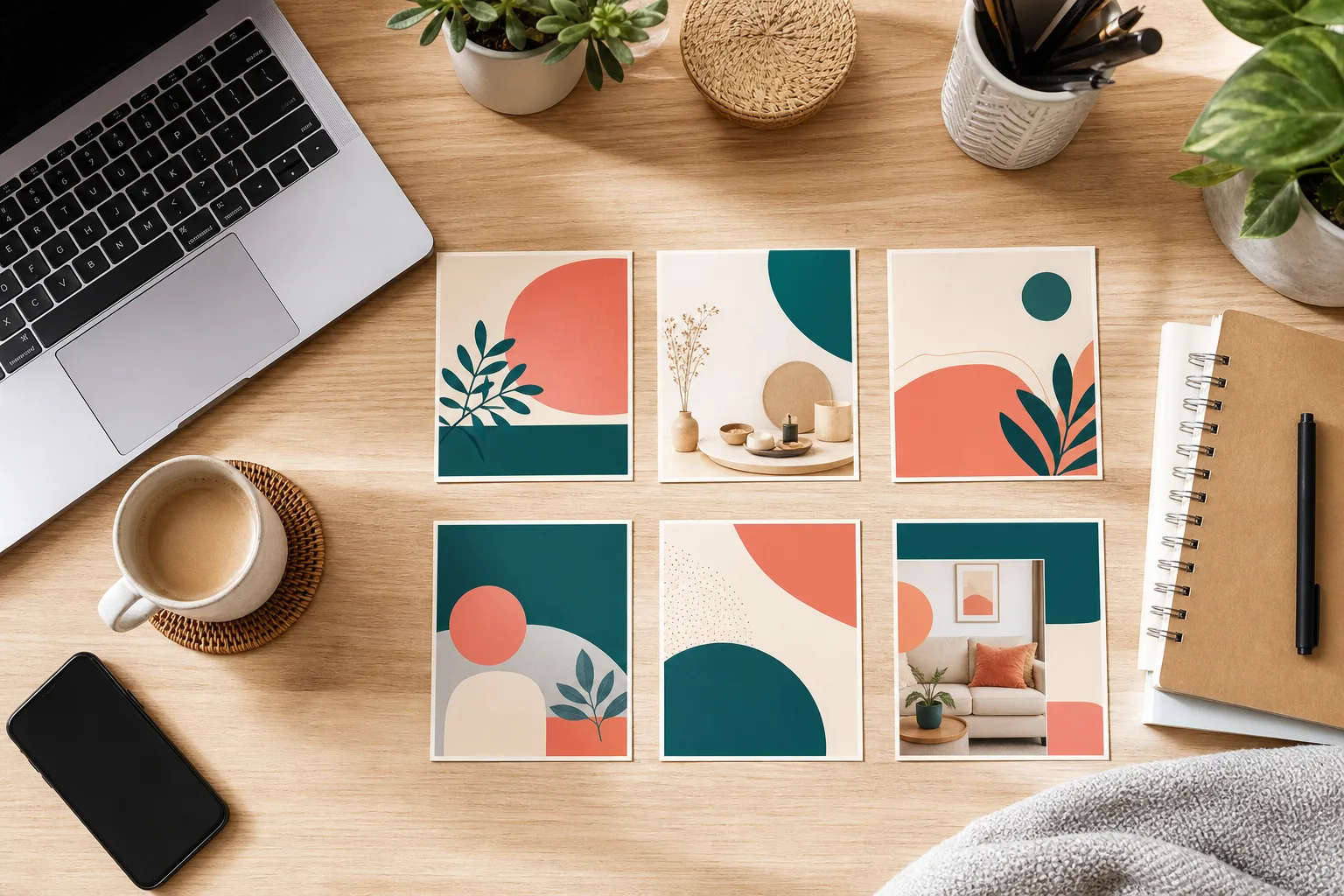
1. Why Nano Banana Pro for social media batch images?
Nano Banana standard is great for quick creative tests; when you need 7–14 consistent images for the same brand, Nano Banana Pro shines:
| Capability | Traditional “rewrite prompt daily” | Nano Banana Pro batch workflow |
|---|---|---|
| Brand primary color & typography mood | Random drift per image | Fixed palette + style anchor, multi-image consistency |
| Virtual IP / spokesperson consistency | Easy “face swap” | Reference lock + storyboard-style description, stable face |
| Cross-platform size adaptation | Manual crop & recompose | Same master template, change ratio for 1:1 / 4:5 / 9:16 |
| Text & information hierarchy | Garbled CN/EN, messy layout | Pro model renders text accurately — ideal for cover titles |
| Output pace | 1 image/hour | 15–20 min preview per image after templating + 4K final |
Nano Banana Pro’s “reason first, render second” ability lets it act like a design team that understands brand briefs — executing rules like “primary #F59E0B, flat minimal, text left / image right” on every frame.
2. Brand kit prep checklist (pre-batch assets)
Before opening Nano Banana or Nano Banana Pro, assemble this brand pack:
- Brand palette (required): Primary, secondary, background — one HEX each, written into every prompt
- Style anchor (Image 1, required): One finished image that best represents brand mood (or mood board collage)
- Virtual IP reference (Image 2, optional): Fixed spokesperson/mascot front view for serialized content
- Typography mood (required): e.g. “sans-serif, bold headlines, fewer words more whitespace” — not just “looks good”
- Platform spec table (required): Xiaohongshu 3:4, Instagram post 1:1, Story 9:16, LinkedIn 4:5
- Negative constraints (required): No competitor logos, no garbled microtext, no watermark, no heavy HDR
Tip: Put all 6 items in a Notion/Feishu page. Each prompt only swaps the “topic sentence” and platform ratio — copy-paste the rest. That’s the batch speed secret.
3. Four-step batch workflow (master template to 7-day content)
Step 1: Enter Nano Banana Pro and upload brand anchor
- Open Nano Banana web app
- Select the Nano Banana Pro model
- Upload Image 1 style anchor; if you have a fixed IP, also upload Image 2
Step 2: Pick a platform template
- Template A: Xiaohongshu / Instagram carousel cover (3:4 or 1:1)
- Template B: LinkedIn / professional long-form header (16:9 or 4:5)
- Template C: Story / Reels vertical short-video cover (9:16)
Step 3: Batch generate and consistency check
Check four things per image:
- Primary color matches brand palette (±5% brightness OK)
- Virtual IP facial features match Image 2 (if used)
- Headline readable, no garbled text, no stray English
- Composition respects platform safe zones (top/bottom caption areas)
Step 4: Iterate and 4K export
Fine-tune in natural language, for example:
- “Increase headline whitespace 20%, primary color to #F59E0B”
- “Face closer to Image 2, do not change hairstyle”
- “Switch to 9:16, reserve top 15% for platform UI”
When satisfied, batch 4K export and archive by date (e.g. 2026-07-13-IG-cover.png).
4. Prompt Template A: Xiaohongshu / Instagram cover (copy-ready)
Best for: Knowledge sharing, product seeding, tutorial series covers
How to use: Upload brand anchor Image 1; replace【本周主题】with your specific topic.
Brand lock: Match Image 1 color palette, typography mood, and layout rhythm exactly. Primary brand color #F59E0B, secondary #6366F1, background clean off-white #FAFAFA. Preserve virtual spokesperson face from Image 2 if provided — same facial structure, do not change hairstyle or ethnicity.

Subject: Social media carousel cover for 【本周主题】 — educational yet approachable tone for Nano Banana audience.

Layout: Bold Chinese/English headline top-left (max 12 words), hero visual right side, generous whitespace, flat illustration + subtle photoreal blend, Nano Banana Pro commercial polish.

Camera: Flat graphic poster look, no extreme wide angle, crisp vector-like edges on icons.

Lighting: Soft even studio light, no harsh shadow, mobile-feed friendly contrast.

Style: Xiaohongshu / Instagram creator aesthetic, trustworthy, modern, on-brand series part of a 7-day content batch.

Negative constraints: no competitor logos, no garbled text, no watermark, no cluttered background, no off-brand neon colors.

Output: 3:4 portrait ratio (1080x1440), 4K master, readable title text.
Usage notes
- In Nano Banana Pro, upload brand anchor Image 1 (+ optional IP Image 2)
- Change
【本周主题】to e.g. “Nano Banana Pro Local Edit Tips Day 3” - Generate 1K preview to confirm headline readability, then output 4K
5. Prompt Template B: LinkedIn / professional header (copy-ready)
Best for: B2B brands, AI tool tutorials, industry opinion articles
Highlights: More business-oriented, clear information hierarchy.
Brand lock: Strictly follow Image 1 brand system — colors, spacing, icon style. Nano Banana Pro enterprise-clean aesthetic.

Subject: Professional header illustration for 【本周主题】 — thought leadership for AI image generation and Nano Banana Pro workflows.

Layout: 16:9 banner, left third for headline block, right two-thirds for abstract workflow diagram (nodes, arrows, subtle Gemini-tech motif), minimal stock-photo clichés.

Typography: Sans-serif bold headline area, high contrast, EN/CN bilingual title safe zone.

Lighting: Neutral corporate daylight, soft gradient background from #FAFAFA to #F3F4F6.

Style: LinkedIn article hero, McKinsey-meets-SaaS visual, credible not playful.

Negative constraints: no mascot cartoon unless Image 1 uses it, no illegible microtext, no watermark.

Output: 16:9 (1920x1080), 4K, Nano Banana Pro sharp UI elements.
6. Prompt Template C: Story / Reels vertical cover (copy-ready)
Best for: Douyin/Instagram Story, Reels cover, vertical short video
Highlights: Top/bottom safe zones, centered subject.
Brand lock: Image 1 palette + Image 2 character identity if present. Same Nano Banana brand world across the 7-day batch.

Subject: Vertical story cover — hook frame for 【本周主题】, high click-through energy without clickbait clutter.

Layout: 9:16 vertical, top 15% empty for platform UI, bottom 20% empty for caption sticker, hero subject centered, bold 6-word hook text in upper-middle safe zone.

Camera: Slight dynamic angle, mobile-first composition, subject sharp, background soft bokeh.

Lighting: Rim light on subject, vibrant but on-brand saturation, no oversaturated skin.

Style: Reels/TikTok native, Nano Banana Pro photoreal or semi-real depending on Image 1, series-consistent.

Negative constraints: no tiny unreadable text, no logo soup, no aspect ratio crop errors.

Output: 9:16 (1080x1920), 4K export.
7. Brand consistency locking tips (Nano Banana Pro advanced)
The most common batch failure is style drift starting around image 3. Five locking rules I validate:
- Write palette into every prompt: Don’t only “hint” in Image 1 — specify HEX
- Don’t swap IP reference: Fix Image 2 for the series; repeat facial structure constraints in prompt
- Only change the topic sentence in templates: Copy the brand lock paragraph whole, swap only
【本周主题】 - Add series numbering: e.g.
Day 3 of 7helps the model maintain serialized feel - Unify negative constraints: Every image gets no garbled text / no off-brand colors
8. Three real case breakdowns
Case 1: AI tool account — 7-day tutorial cover series
- Input: Brand color #F59E0B + flat illustration anchor
- Template: Template A, swap topic sentence for 7 days
- Result: Unified primary color and headline placement; fans said “finally looks like one account”
- Use: Xiaohongshu column, Instagram carousel
Case 2: SaaS brand — weekly LinkedIn industry insight header
- Input: Business gray-blue anchor, no virtual IP
- Template: Template B
- Result: 16:9 header matches in-article chart style
- Use: LinkedIn long-form, website blog header
Case 3: Creator personal IP — daily Story vertical
- Input: Realistic IP reference Image 2 + warm anchor
- Template: Template C
- Result: 9:16 safe zones correct, face stable over 7 days
- Use: Instagram Story, Douyin cover
9. Common mistakes & how to avoid them
| Symptom | Cause | Fix |
|---|---|---|
| Colors drift from image 3 | No HEX palette written | Copy brand color paragraph into every prompt |
| Virtual IP “face swap” | Image 2 constraints too weak | Add preserve facial structure, same hairstyle |
| Garbled or tiny headline | Missing text rules | Specify max words + readable title text |
| Platform crops off headline | No safe zone | 9:16 template: write top/bottom empty % |
| Looks like different brands | Rewriting prompt from scratch daily | Fix brand lock block, change topic only |
10. Nano Banana standard vs Nano Banana Pro — which to choose?
- Nano Banana (standard): Single-image creative tests, internal brainstorms, drafts where text precision matters less
- Nano Banana Pro: Batch delivery, titled covers, virtual IP serialization, 4K commercial export
My practice: explore with Nano Banana, batch finals with Nano Banana Pro.
11. Quick start in three steps
- Assemble brand pack → palette + anchor Image 1 (+ IP Image 2) → open Nano Banana Pro
- Copy the right template → replace
【本周主题】→ run 7 × 1K previews - Unified tweaks then 4K export → upload per platform crop specs
12. Final thought
Social matrix competition looks like content volume on the surface, but underneath it’s brand credibility. When users scroll your profile, if they feel in 0.5 seconds “the same team made this,” follow and conversion odds rise.
Nano Banana Pro turns “consistent style” from a designer’s personal touch into repeatable prompt engineering. Write the brand lock paragraph once, swap one topic line daily, and ship stable images. If you’re stuck on “what image to post today,” try Template A for 3 covers in a row — one afternoon may change how you think about content matrix production.