nanobanana2 delivers Pro-level quality with Flash-level speed, allowing you to generate high-quality images in just 3 steps. This article introduces the nanobanana2 quick start method.
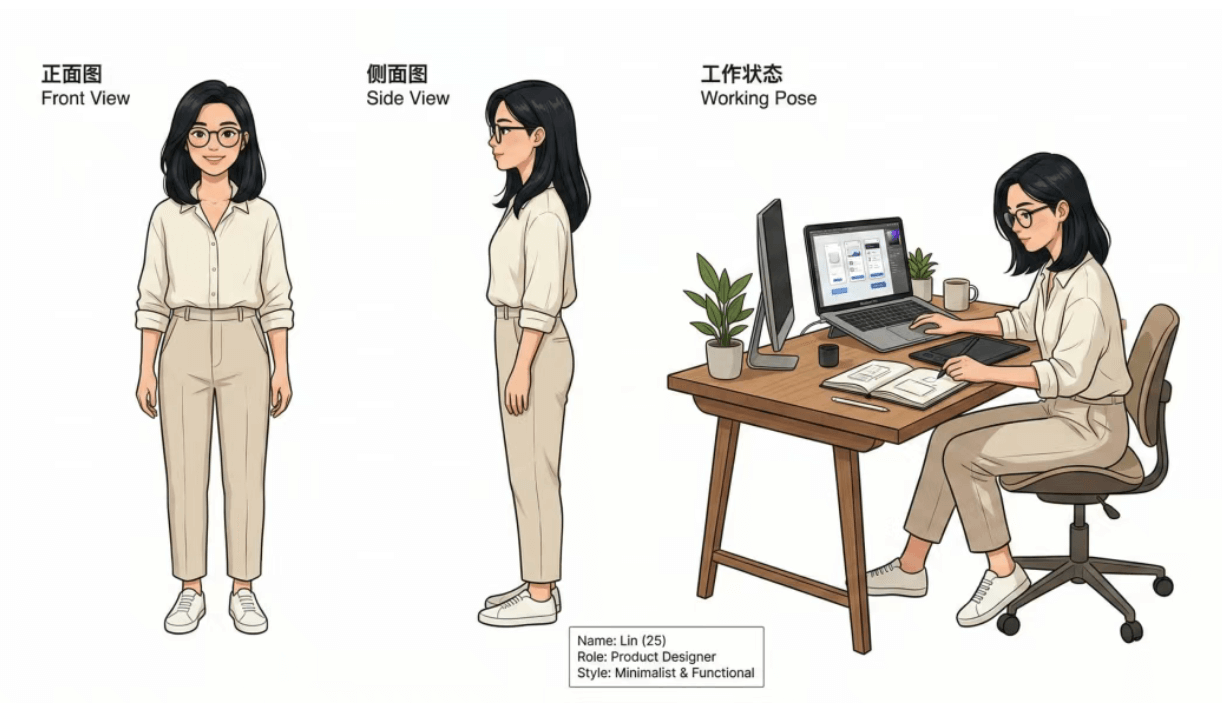
Step 1: Choose an Entry Point
Go to https://app.nanobananao.com/generate/image-tools/nano, or on the Gemini website/App, select nanobanana2 / Fast mode.
Step 2: Write the Prompt
Describe the image using the structure: “Subject + Scene + Style + Lighting/Aspect Ratio”. For example: “Cyberpunk Shanghai street scene, puddles after rain, neon reflections, vertical composition, 4K, cinematic quality.”
Step 3: Generate and Iterate
Click generate, and the image will be ready in seconds. If unsatisfied, modify the prompt or upload a reference image for image-to-image generation. A few iterations will yield a high-quality result.
By following this nanobanana2 quick start method, you can generate images in 3 steps. To try it immediately, click the button below.